← → or space to exploreswipe to explore
Rust · wgpu · zero Electron
A terminal written in Rust
tty.
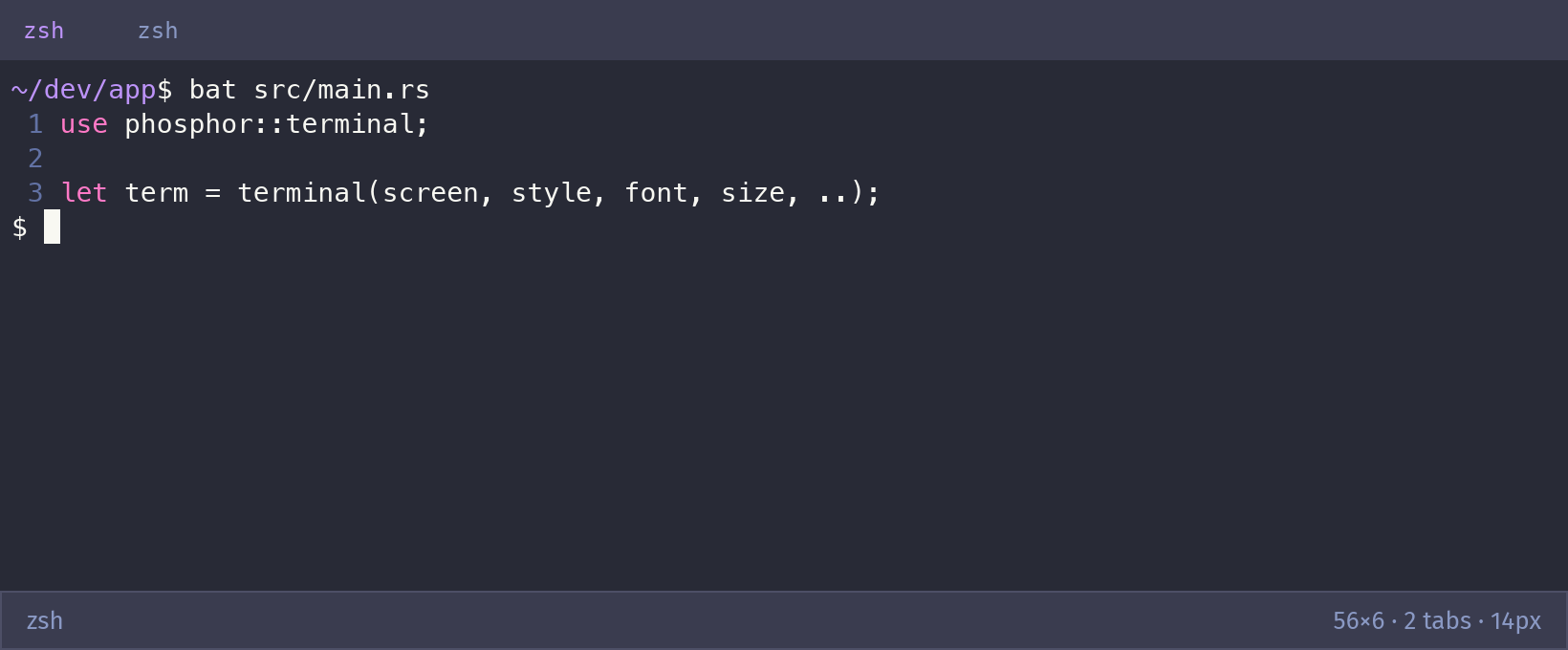
A fast, focused terminal with the old-school feel — a GPU-rendered grid that repaints the instant output lands and sleeps when it doesn't. No browser, no bloat.
Built for speed
Repaints on output. Silent when idle.
- Native Rust, GPU-rendered with wgpu — keystrokes echo and output paints in microseconds.
- Output-driven repaint: the screen redraws exactly when the shell writes, and costs nothing while it waits. No 60fps idle spin.
- One process, instant startup, a memory footprint you'd have to go looking for.
Tabs, splits & windows
Arrange your shells your way.
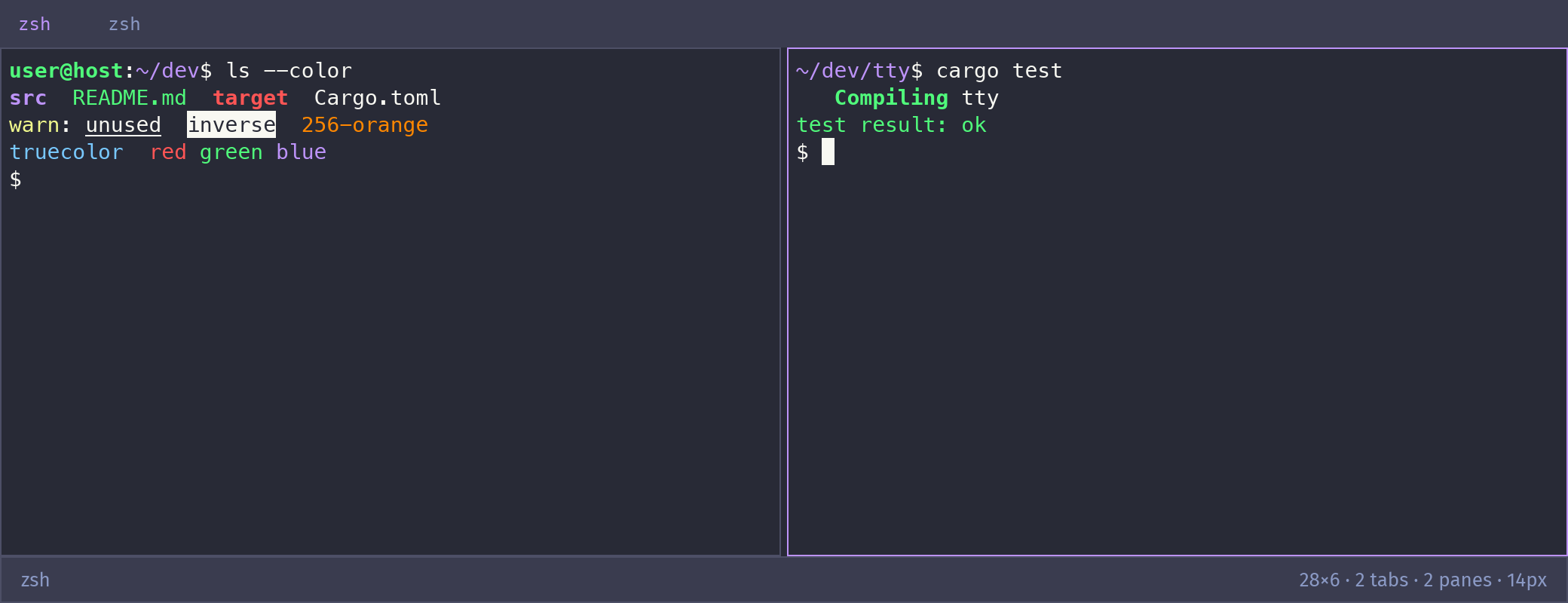
- Tabs — ⌘T new, ⌘W close, ⌘1–⌘9 jump. The strip only appears once you have more than one.
- Split any pane — ⌥⌘+arrows split in any direction, ⌃⌘+arrows move focus, drag the divider to resize.
- Tear a tab off into its own window — and drop it back when you're done.
It understands your shell
Jump to prompts. Spot failures. Click into your editor.
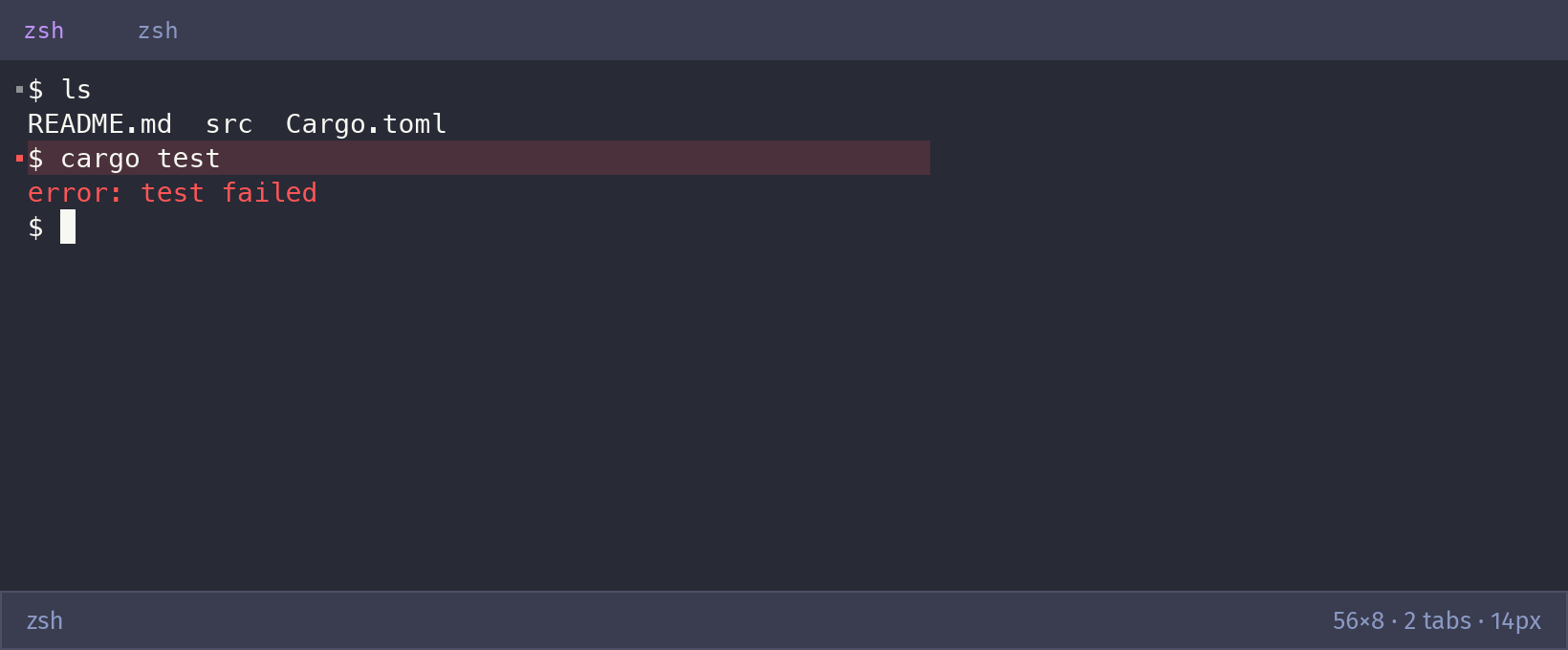
- Prompt jump — ⌘↑/⌘↓ hop between commands, or straight to the last one that failed.
- An optional gutter marks every prompt — a red dot when a command exits non-zero.
- ⌘-click a
path:line:colin output to open it in your editor; ⌘-click a URL to open your browser. - Built on OSC 133 shell integration — opt in, and it stays out of the way.
Scrollback & copy
Scroll back. Drag. Copy.
- Real scrollback with ⌘F search; the live screen snaps back the moment you're at the bottom.
- Click-drag to select, ⌘C to copy. Ctrl+C stays a real SIGINT to the shell.
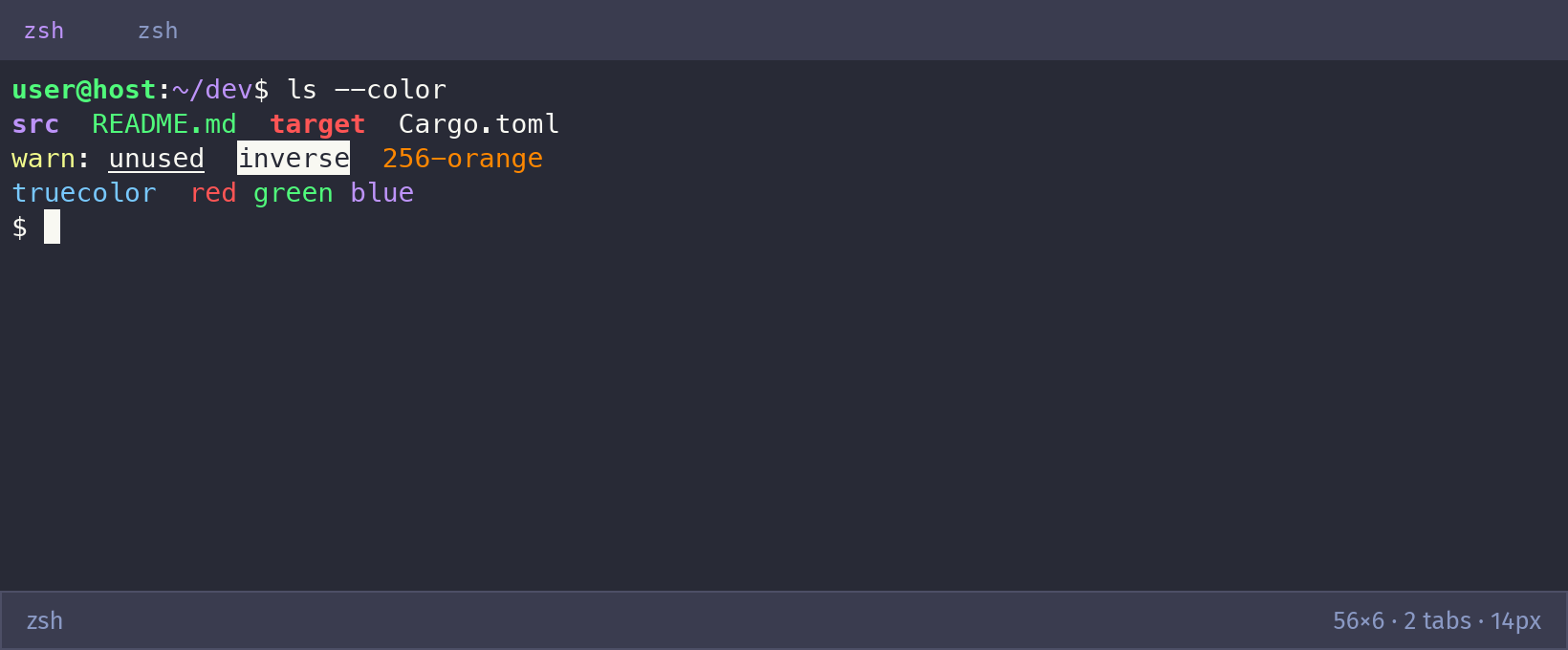
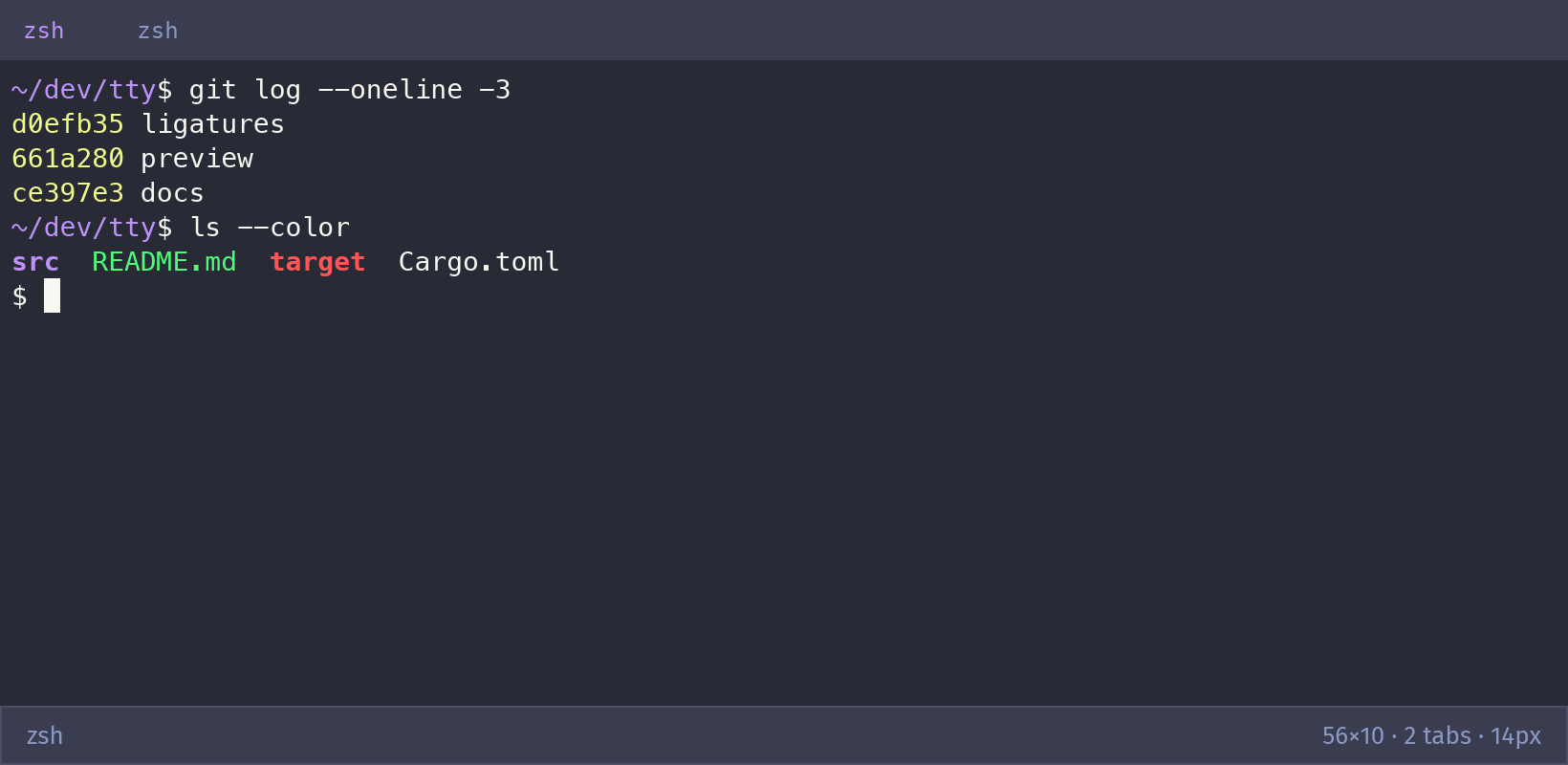
- Full ANSI — 16-color, 256-color, truecolor, plus bold, dim, italic, underline and inverse.
Command history, your call
Recall every command — or none.
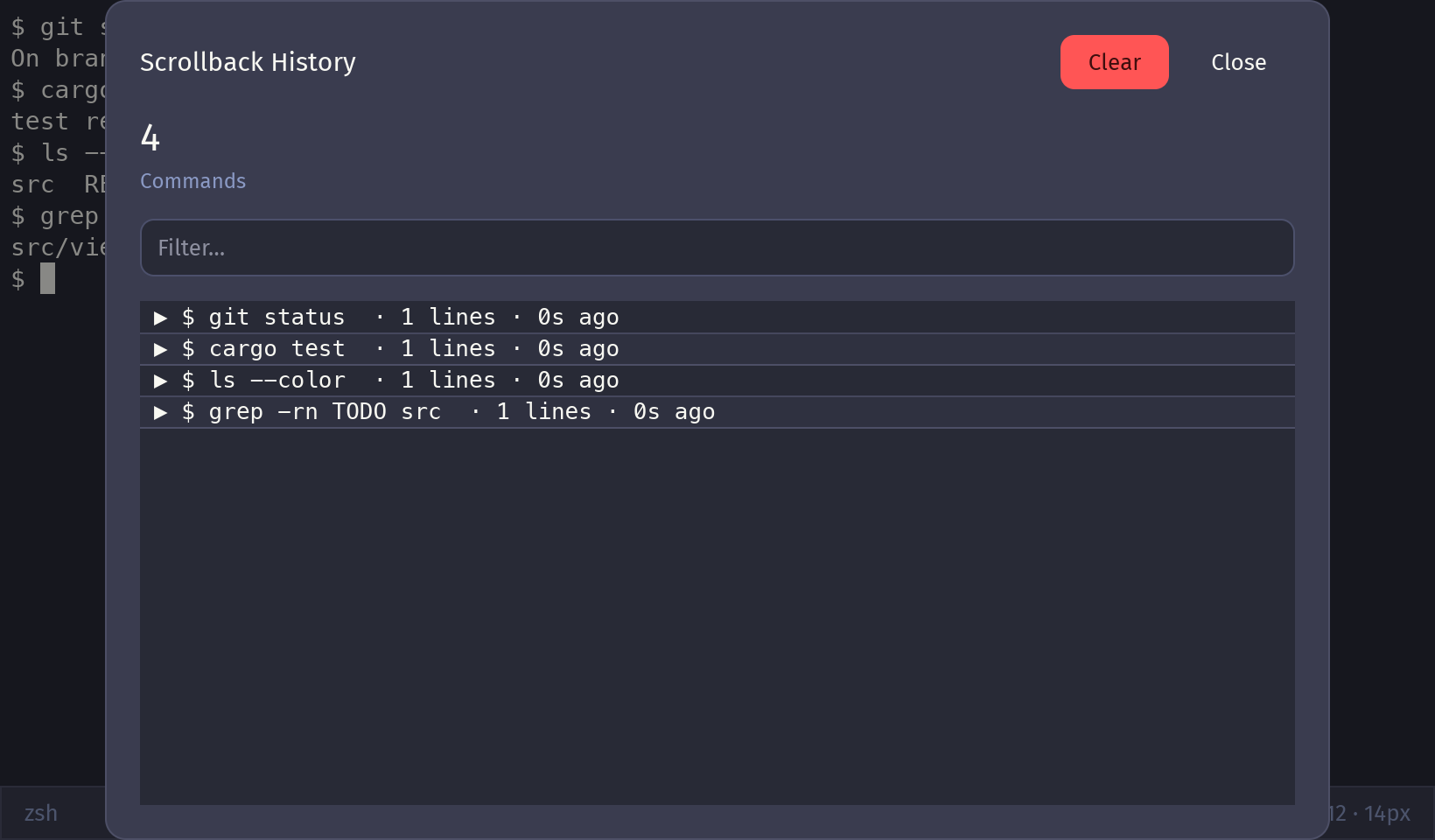
- ⌘⇧H opens a searchable log of what you've run — each command's output a click away.
- Opt in to persist it across launches, encrypted at rest — command text only, never output.
- Or the other way: ⌘⇧T opens an untracked tab, and
--untrackeda whole session that records nothing. - Off by default — nothing is stored unless you say so.
A status bar, if you want one
Glance at what matters. Or add nothing at all.
- Completely optional — add only the cells you care about: CPU, memory, network, disk, battery, uptime, a clock, the busiest process.
- Yours to arrange — reorder them, pick a sparkline or a plain number, set your own warn/alarm thresholds.
- Click to drill in — any cell opens a full chart, and a chart can graduate into its own pane beside the terminal.

An engine, a widget, an app
A terminal you can embed.
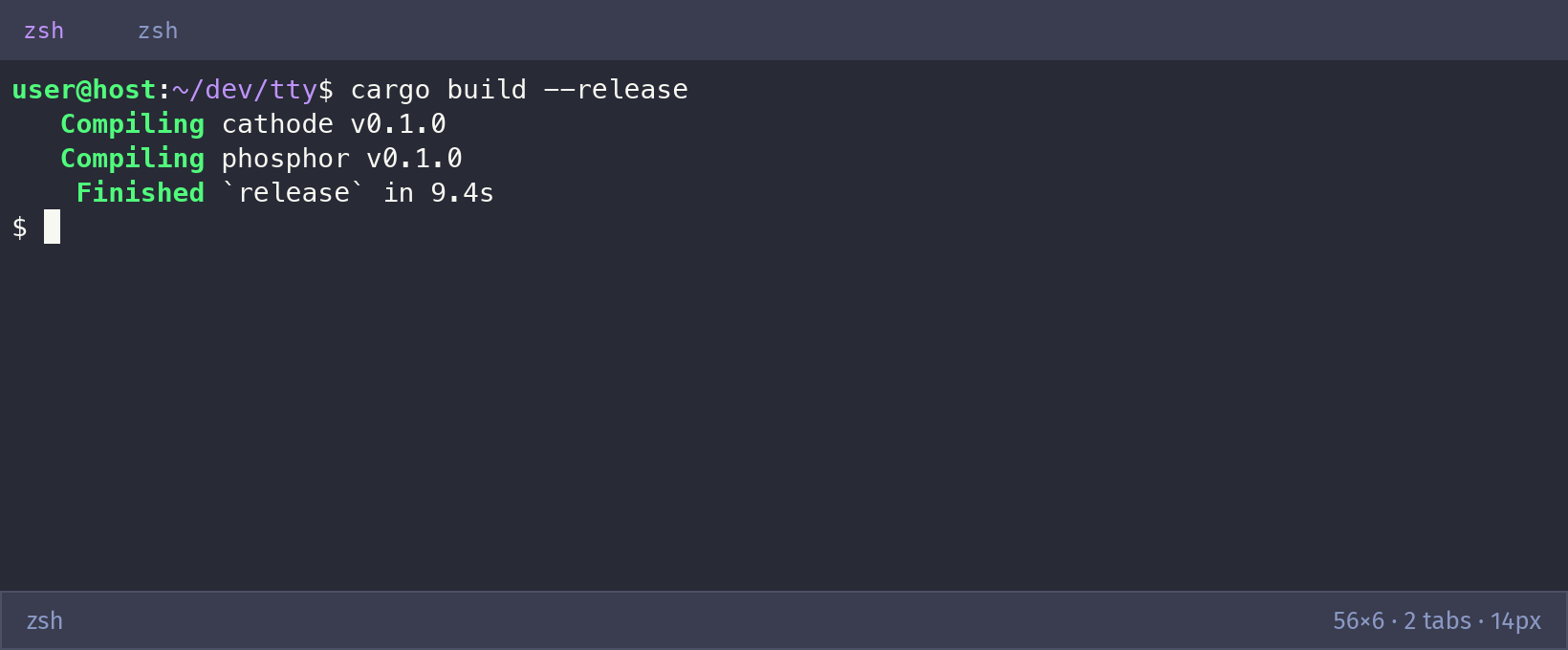
- cathode — the engine: a VT/ANSI parser, the screen grid, and a real PTY. Pure Rust, no UI.
- phosphor — the iced widget that renders it: colors, attributes, scrollback, mouse copy.
- tty is thin glue over the two — so the same crates drop straight into any iced app that wants a terminal panel.